

Pipeline Breakdown
Model the environment in Autodesk Maya.
Set up the camera in Maya.
Matte Painters paint the environment with different TOD lighting based on the exact perspective from the camera in Maya.
Full control of color and lighting in 2D.
Project the matte paintings back to the 3D ENV model using Camera Projection in Maya.
Downsize the 3D ENV model to a simpler form with minimum geometry.
Bake the texture from the projection to the 3D ENV model.
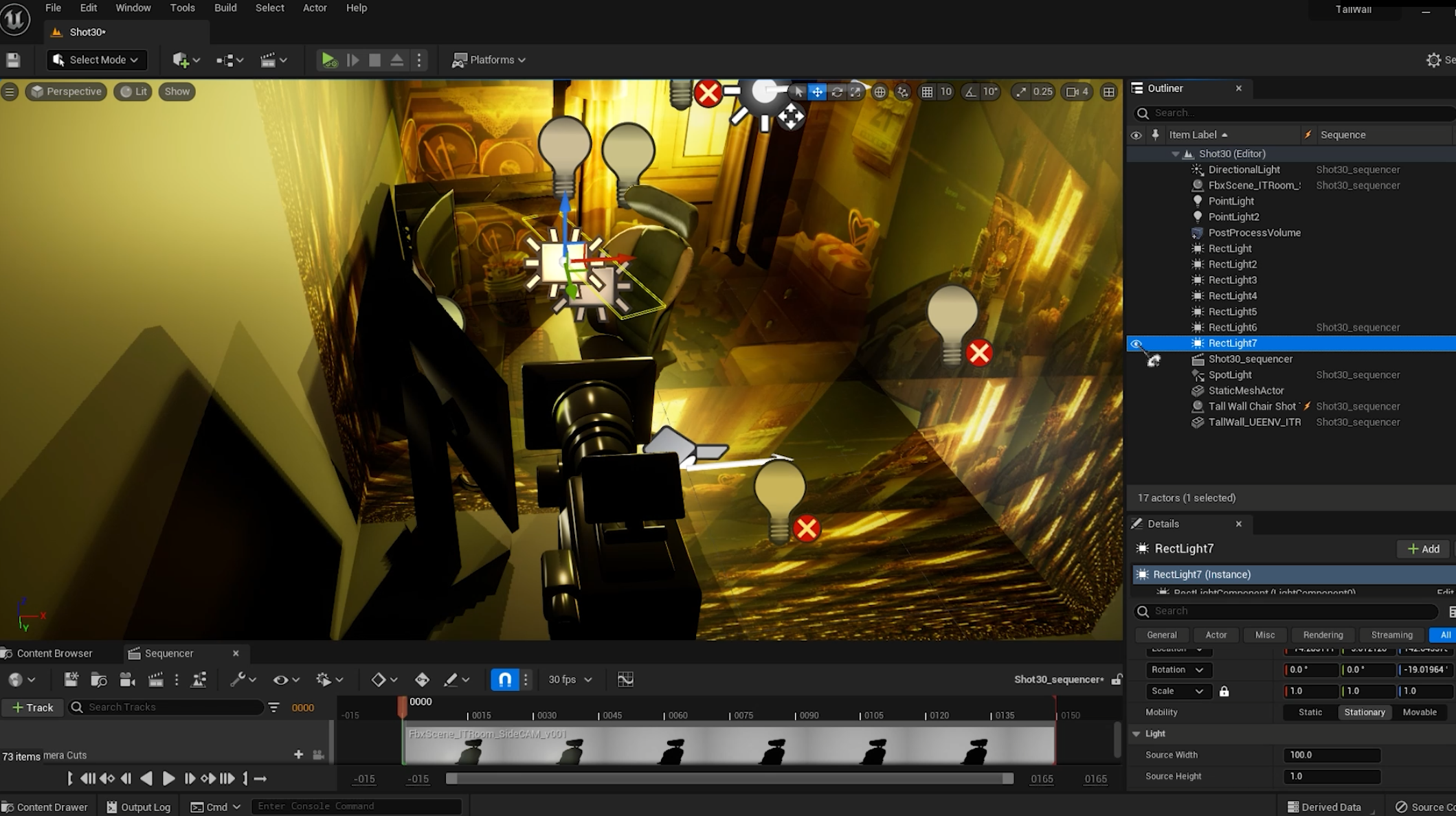
Bring the 3D ENV model with baked matte-painted textures into Unreal Engine 5, alongside the cameras and Alembic-Cached animations for characters, cloth sims and props.
Lit the animations based on the matte paintings.
Export 3 passes for the animated assets.
Color pass - base character colors
Shader pass for the outlines
Shadow pass if applicable
Compiling everything in After Effects.
Example: Scratch line shader pass
Example: Shadow pass
Example: Lighting/Color pass
Resources & Citation
UE5 Shadow Catcher